Managing multiple accounts on one Android phone has become a daily reality. Whether you’re juggling work messages and personal chats, handling more than one social media identity, or switching between business and private logins, the need for separation is no longer optional—it’s essential. Android Work Profile is often presented as the “official” solution. But is it really the best choice for everyone? And how does it compare to flexible multi-account tools like Parallel Space (PS)?
Let’s take a closer look.
What Is Android Work Profile?
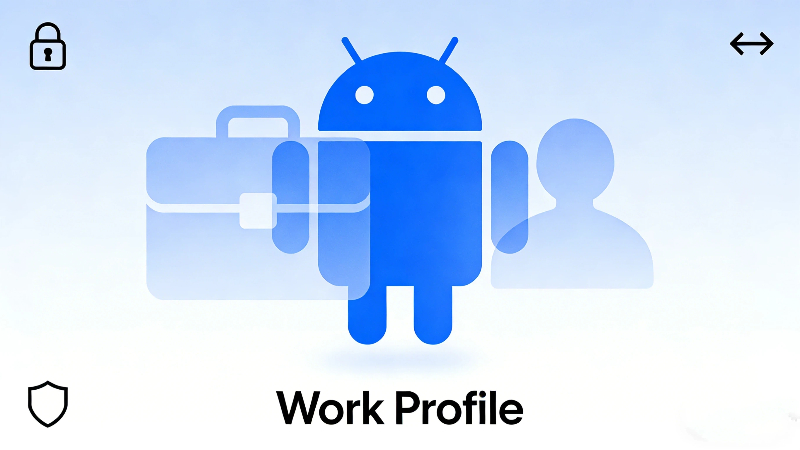
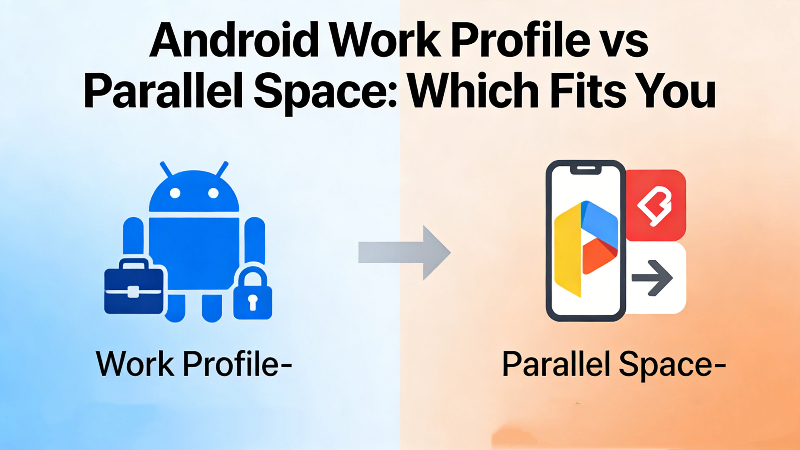
Android Work Profile is a built-in feature designed primarily for enterprise and corporate users. It creates a separate, secure workspace on your Android device where work-related apps, data, and notifications are isolated from your personal environment.
In simple terms, it turns one phone into two clearly divided spaces:
-
A personal profile for everyday use
-
A work profile for company apps and accounts
Apps inside the work profile run independently, with their own storage, permissions, and notification rules.
📌 This sounds ideal—but the reality depends on how and why you plan to use it.
How Work Profile on Android Actually Works
When a work profile is active, Android places a small briefcase icon on supported apps. These apps:
-
Store data separately from personal apps
-
Can be paused entirely after work hours
-
Are often managed or restricted by IT policies
Work Profile is commonly deployed via:
-
Company-issued devices
-
Mobile Device Management (MDM) tools
-
Employer-provided Google Workspace accounts
For corporate security, this is a big win. For everyday users, it’s more complicated.
How to Set Up Work Profile on Android
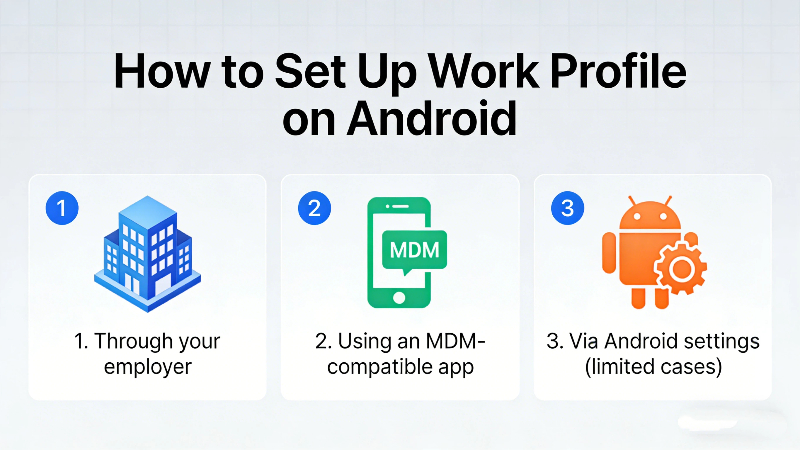
If your device and Android version support it, you can usually set up work profile in one of these ways:
-
Through your employer
-
IT provides a setup link or QR code
-
Device policies are applied automatically
-
-
Using an MDM-compatible app
-
Apps like Android Device Policy may guide setup
-
Requires admin permissions
-
-
Via Android settings (limited cases)
-
Some phones allow manual creation, but features are restricted
-
⚠️ Important: Not all Android devices allow personal users to freely create a work profile. Many features depend on enterprise enrollment.
The Limitations of Work Profile Android Users Often Face
While powerful on paper, work profile Android comes with notable constraints:
❌ Limited Control
Most work profiles are governed by company rules. You may not be able to:
-
Install certain apps
-
Screenshot content
-
Transfer files between profiles
❌ Not Designed for Multi-Account Personal Use
Work Profile is not optimized for:
-
Running two WhatsApp accounts
-
Managing multiple social media identities
-
Using the same app freely with different logins
❌ Device and Version Restrictions
Some Android brands restrict or hide work profile features entirely.
In short, Android Work Profile excels at corporate isolation, not personal flexibility.
Parallel Space vs Android Work Profile: What’s the Difference?
This is where Parallel Space (PS) enters the picture.
Unlike Work Profile, Parallel Space is designed for real-life, everyday multi-account needs—no corporate enrollment required.
Key Differences at a Glance
| Feature | Android Work Profile | Parallel Space |
| Purpose | Enterprise & security | Personal & multi-account use |
| Setup | Often requires IT or MDM | One-tap installation |
| App Duplication | Limited | Yes, unlimited |
| Account Switching | Restricted | Seamless |
| Device Compatibility | Varies | Works on most Android phones |
| Control | Admin-managed | User-controlled |
Why Many Users Prefer Parallel Space for App Cloning
Parallel Space focuses on what most users actually want: freedom.
With PS, you can:
-
Clone social, messaging, and productivity apps
-
Log into multiple accounts simultaneously
-
Keep work and personal chats separate—without employer oversight
-
Run dual or multiple instances of the same app effortlessly
✨ No briefcase icons. No policy locks. No enterprise strings attached.
For freelancers, content creators, online sellers, and global users, this flexibility matters far more than corporate-grade isolation.
Can You Use Work Profile and Parallel Space Together?
Technically, yes—but it’s rarely necessary.
If your employer requires a work profile, you can still use Parallel Space outside that environment for personal multi-account needs. However, most users find that PS alone already covers what they need—without complexity.
Which Solution Is Right for You?
Choose Android Work Profile if:
-
Your company mandates it
-
You handle sensitive corporate data
-
IT-managed security is a priority
Choose Parallel Space if:
-
You manage multiple personal or business accounts
-
You want full control over cloned apps
-
You need quick setup without restrictions
-
You value flexibility over enterprise rigidity
For most non-corporate users, the answer is clear.
Frequently Asked Questions
-
What is Android Work Profile used for?
Android Work Profile is primarily used to separate company-managed apps and data from personal apps on the same device, usually under employer control.
-
Can I create a work profile Android setup by myself?
In most cases, no. Many work profiles require employer enrollment or MDM tools. Personal users often face limitations.
-
Is work profile on Android good for dual WhatsApp or social accounts?
Not really. Work Profile isn’t designed for casual multi-account use. App cloning tools like Parallel Space are far more practical.
-
How do I set up work profile on Android without an employer?
Options are limited and device-dependent. Even when possible, features are restricted compared to dedicated multi-account apps.
-
Is Parallel Space safer than Android Work Profile?
They serve different purposes. Work Profile focuses on corporate security, while Parallel Space prioritizes user-level privacy and account separation without enterprise oversight.
-
Can Parallel Space replace work profile Android?
For personal and small business use, yes. For corporate-mandated environments, no—but many users don’t actually need a work profile in the first place.
Final Thoughts
Android Work Profile is powerful—but narrow in scope. It solves corporate problems, not everyday multi-account challenges.
If your goal is freedom, flexibility, and control, Parallel Space offers a simpler and more practical solution. Instead of adapting your habits to enterprise tools, PS adapts to how people actually use their phones.
And in today’s multi-identity digital world, that difference matters. 🚀