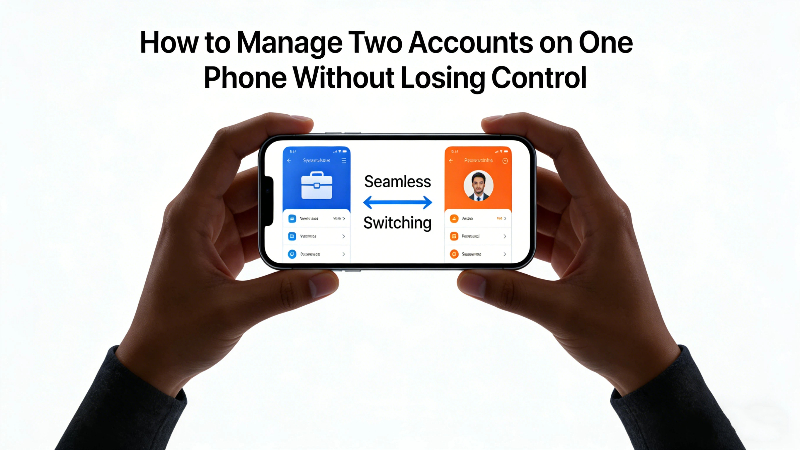
Using one phone for everything used to feel manageable.
At some point, it stopped.
Work messages now sit next to family chats. Business logins overlap with personal ones. Notifications don’t really pause anymore—they just change tone. For many people, the challenge is no longer having multiple accounts, but learning how to manage two accounts without turning a personal phone into a constant source of distraction.
Some people are simply trying to run two accounts on one phone. Others are looking for a more reliable way to manage two accounts for work on a device that was never meant to be “work-only”. Either way, the underlying problem is the same: everything blends together too easily.
Why Managing Two Accounts Feels Harder Than It Should
This situation rarely starts as a deliberate choice.
-
A second account appears because a job requires it.
-
A side project needs its own profile.
-
A client asks you to “just use this app for now”.
It’s Not About Quantity, It’s About Context
What makes things difficult isn’t the number of accounts—it’s the constant context switching. Work apps don’t know when your day ends. Personal apps don’t care that you’re in a meeting. Over time, the phone stops being a tool and starts feeling like a shared space where nothing is clearly separated.
That’s why most people searching for ways to manage two accounts aren’t really asking for more features. They’re asking for boundaries.
How People Try to Run Two Accounts on One Phone
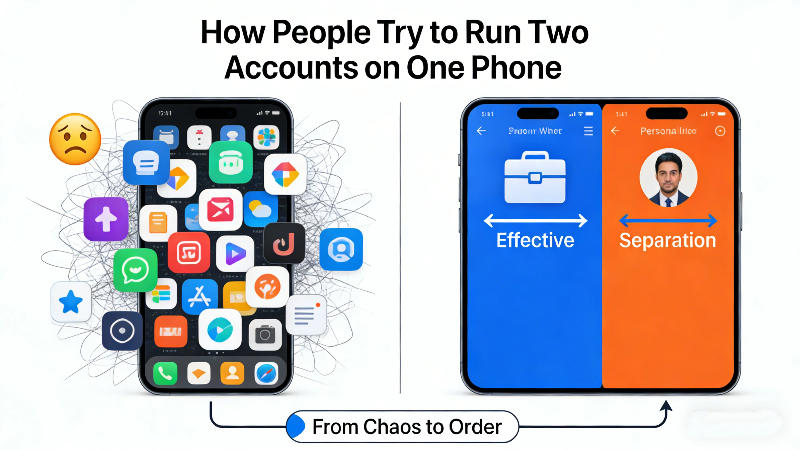
Before settling on a stable setup, most users experiment. Some solutions work briefly, others create new problems.
-
Logging In and Out
This is the most common starting point.
It works in theory, but not in practice. Passwords, verification codes, and missed messages quickly turn daily switching into friction. Very few people keep this up long term.
-
Using Web Versions or Secondary Apps
Some apps offer browser access or lighter versions. These can help in specific situations, but they often feel incomplete. Notifications arrive late, features are missing, and the experience rarely matches the native app.
-
System-Level Work Profiles (Mostly on Android)
Certain Android devices support work profiles designed for enterprise use. They provide strong separation, but also come with restrictions.
Why System Profiles Don’t Fit Everyone
-
Not all devices support them
-
Setup can feel heavy
-
Control is often tied to company policies
For personal phones, this approach can feel more rigid than necessary.
The Practical App-Based Account Separation
This is where many users eventually land. Instead of changing how the phone works at a system level, app-based tools create a separate space where the same app can run independently—each with its own login, data, and notifications. Parallel Space is built around this idea.
How Parallel Space Supports Managing Two Accounts
With Parallel Space, users can:
-
Keep two accounts logged in at the same time
-
Run the same app in separate spaces
-
Avoid accidental cross-posting
-
Switch roles without signing out
No system changes.
No enterprise enrollment.
And No second phone.
For people who need flexibility rather than strict device control, this approach fits naturally into daily use.
Managing Two Accounts for Work on a Personal Phone
Work-related use is one of the most common reasons people turn to Parallel Space.
Typical Work Scenarios
-
One messaging app for work, one for personal life
-
Separate social accounts for business and private use
-
Multiple collaboration or client-facing tools
Without separation, work tends to spill into every part of the day.
Keeping Work Accessible—but Contained
By placing work apps inside a separate space, users stay reachable without letting work dominate the entire device. When the workday ends, those apps don’t need to be deleted or silenced individually—they simply stop competing for attention. 🔕 This kind of separation is less about productivity tricks and more about mental clarity.
Android and iPhone: Different Limits, Same Goal
For Android Users
Android offers more flexibility at the system level, but support varies by device and brand. Even when work profiles are available, many users still choose Parallel Space because setup is faster and control stays in their hands.
iPhone Users
iOS does not support native app duplication for personal users. As a result, logging in and out becomes the default workaround. In this context, app-based separation is often the most realistic way to run two accounts on one phone without constant switching.
Different platforms, same need: practical separation without friction.
Conclusion
Managing two accounts isn’t about technology—it’s about balance.
Most people don’t want complex systems or corporate controls. They want something that works quietly, adapts to real routines, and stays out of the way. Parallel Space doesn’t change how you use your phone. It simply gives each account its own place. 📱✨
Frequently Asked Questions
1. How can I manage two accounts on one phone?
Most people use app-based tools that allow the same app to run in separate spaces, so both accounts stay logged in at the same time.
2. Is it possible to run two accounts on one phone without logging out?
Yes. App cloning solutions like Parallel Space are designed specifically to keep multiple accounts active simultaneously.
3. How do I manage two accounts for work on a personal phone?
Many users place work apps in a separate space so they don’t interfere with personal use during off hours.
4. Is this easier on Android than on iPhone?
Android offers more system options, but support varies by device. On iPhone, app-based separation is often the more practical choice.
5. Is Parallel Space safe for managing multiple accounts?
For everyday use, Parallel Space keeps sessions isolated and avoids mixing data between accounts.
6. Do I need two phones to manage two accounts properly?
In most cases, no. With the right setup, one phone is enough to handle both roles comfortably.